Are you experiencing any difficulties ?
Explain it to us!
Frequently Asked Questions
If you are unable to select the Bruyerre truck delivery option, to resolve this issue, you need to clearly define the problem:
Have you ever received a delivery by Bruyerre truck in the past ?
1. If this problem occurs, it's possible you're not logged into the correct customer account. Did you create your account manually? If so, please fill out the form below these questions. We will then delete your account and send you your login details for the correct customer account.
2. Are you logged into your customer account? If so, your delivery route may be assigned to your delivery address. By default, the delivery address may be your customer account address. You will therefore need to change your delivery address. It's very easy to do!
- On the page for choosing delivery and payment methods, you will notice the following field; click on Edit:

- You can then change the shipping address and select the correct delivery address.
- If you are on a third-party account linked to your customer account: Select the delivery address starting with your customer account name. No other names should follow.
- If you are logged into your customer account: Select the delivery address ending with LIV or LIVRAISON.
- Once you have changed your shipping address, click the Confirm button. Your changes will then be saved for this order and future orders.
- Note that you can also use this system if you have multiple delivery addresses.
You've never had a delivery by Bruyerre truck?
1. We first need to determine if you are eligible for truck delivery. To do so, please fill out the attached form and provide us with the delivery address, as well as any days and hours of operation.
2. If your request is accepted and confirmed, you will then simply need to reload your page and select the Bruyerre truck delivery method.
If you are unable to select invoice as your payment method, there are several possible reasons. To resolve this issue, it is important to identify the cause:
Were you already entitled to payment by invoice in the past ?
1. If this problem occurs, it's possible you're not logged into the correct customer account. Did you create your account manually? If so, please fill out the form below these questions. We will then delete your account and send you your login details for the correct customer account.
2. Are you properly logged into your customer account ? If so, you may not have the correct payment terms or you may be temporarily blocked due to unpaid invoices. For any inquiries, please contact our accounting department.
3. Are you logged in with a third-party account linked to your customer account? If so, you need to change your billing address to the billing address associated with your customer account. To do this, follow these instructions:
- On the page for choosing delivery and payment methods, you will notice the following field; click on Edit:
- You can then change the billing address and the billing address of the customer account.
- Select a delivery address starting with your customer account name. No other names should follow.
- Once you have changed your billing address, click the Confirm button. Your changes will then be saved for this order and future orders.
You do not currently have access to invoice payment ?
1. We first need to determine if you are eligible for this payment option. To do so, please fill out the form, and our accounting department will then review your eligibility for invoice payment.
2. If your request is accepted and confirmed, you will then simply need to reload your page and select the invoice payment method.
Technical specifications are usually available directly on the product page; you can view and download them directly from this link:
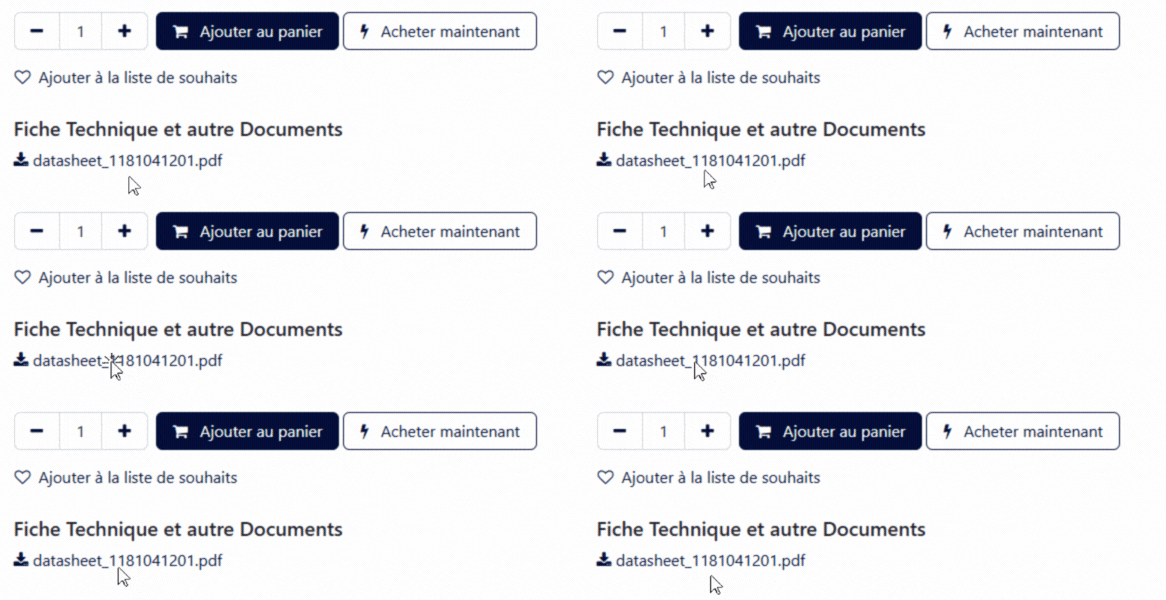
If no documents are available, you can contact our quality department directly : qualite.matprem@bruyerre.be
Don't worry, it happens!
You are probably logged in with a manually created account and not your professional customer account.
If so, fill out the form below, explaining that you created an account manually.
If you are logged into your customer account, please contact your sales representative. It is possible that your customer account may need to be modified or that your recurring items may need to be added to your wish list.
Discover all the features of the Webshop
Maximize your customer experience, take full advantage of our tools!